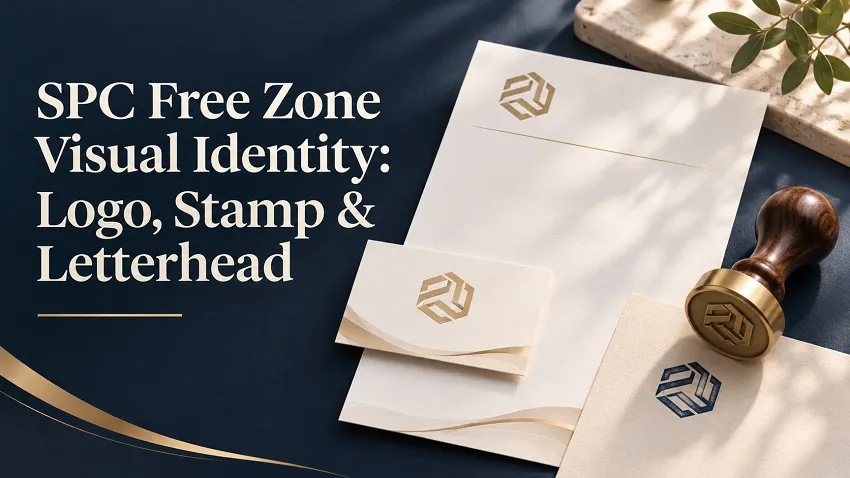
SPC Free Zone visual identity starts with your approved company name. Put that name on your stamp, letterhead and invoices. Then use your logo and colours consistently across each document. Set up the legal details first so you can print materials and bill customers without having to redo your templates.
What SPC provides and what you prepare
Sharjah Publishing City Free Zone (SPC Free Zone) issues the trade licence. Ask SPC which formation and premises documents come with your chosen package and when you will receive them. Its fast-track service advertises licensing in as little as 45 minutes. Confirm the timing and requirements for your activity before promising a start date to a client. Put the approved trade name, legal form, licence number and registered address in a shared reference sheet once the documents arrive.
1. Confirm the trade name before printing
Prepare several name options and ask SPC to confirm the required number and naming rules. Check the exact spelling and legal suffix with the licensing team, especially if the name will appear in both English and Arabic. Before paying for a logo, search the UAE trademark register for similar names and marks used for related goods or services. If you are comparing jurisdictions or still choosing an activity, see MAK’s UAE company formation guidance before committing to a package.
2. Prepare a logo that works on documents
Ask your designer for an editable vector logo, a transparent PNG and a one-colour version. Check how the smallest version looks on a PDF invoice and on your stamp artwork. Keep the colour codes and font names in one file. If someone designs the logo for you, put ownership and delivery of the editable files in writing.
If you want to register the name or logo as a UAE trademark, review the Ministry’s registration process and fee schedule. Confirm the classes that cover what you sell and budget for each relevant class and any agent fees before filing.
3. Order a stamp only when you know what is needed
Ask the bank or other recipient whether it requires a physical company stamp and what details it expects. If you order one, check the company name against the issued licence and add the licence number if requested. Compare SPC’s current add-on quote with a supplier’s quote and have an authorised person approve the artwork. Keep the stamp with the person responsible for signing company documents.
4. Set up your letterhead and business cards
Use the licence name and confirmed company address on your letterhead. Add the licence number where appropriate and leave space for the date, signature and stamp if the recipient requires one. Save an editable master and a PDF. On business cards, check the contact details, spelling and QR code before printing. If you display a trading brand, keep the legal entity easy to identify on formal documents.
5. Set up quotes and tax invoices separately
Use a quote template for offers and an invoice template for billing. If your business is VAT-registered, a full tax invoice generally shows the words “Tax Invoice”, the supplier’s name, address and TRN, the registered recipient’s details where applicable, a unique sequential or otherwise identifiable invoice number, the issue date and supply date when different, and the transaction and VAT amounts. Check Article 59 for the complete particulars, including item details, discounts and amounts in AED where required. A simplified tax invoice is permitted only in the cases specified by the rules.
Review the Ministry of Finance’s e-invoicing timetable for your business before choosing software. If you need to establish your VAT status or set up a compliant template, see MAK’s UAE VAT registration support.
Before you send the first invoice
- Compare the legal name and address across your licence, bank records and billing template.
- Check the VAT settings and numbering on a test invoice. Save a PDF and make sure every line is readable on a phone.
- Keep editable brand files separate from signed copies of official documents.
- Review corporate tax registration and filing obligations. A Qualifying Free Zone Person may receive the 0% rate on qualifying income when the relevant conditions are met.
Conclusion
Start with the approved name, make a logo that prints clearly and check the stamp and invoice requirements before using the templates. MAK Chartered Accountants can help you tie up loose ends with your UAE business setup and tax registration.
Official sources
Need help with free zone formation?
Share your requirements with MAK and discuss the next steps for your business.
Talk to MAK